Risant Design System was developed for healthcare vendors to provide a comprehensive, ADA-compliant, and A11y-aligned design system. Create a scalable, accessible design that addressed healthcare-specific needs while adhering to WCAG AA and AAA standards. The system had to be flexible and customizable, enabling healthcare vendors to white-label and adapt it for their own unique use cases, while ensuring responsive design across mobile, tablet, and desktop platforms.
Problem Statement:
Healthcare vendors required a scalable, customizable design system that prioritized:
Accessibility compliance: Adhering to WCAG AA and AAA standards to ensure access for patients with disabilities
Customization: Allowing healthcare vendors to white-label the design system, adapting it to their branding and functional needs
Responsive design: Seamless performance across mobile, tablet, and desktop devices.
Complex healthcare requirements: Compliance with HIPAA, security standards, and usability in high-stress environments
Research and Discovery:
The team conducted a comprehensive design audit comparing existing design systems used in healthcare and other industries: ShadCn, Kaiser Permanente’s Vessel Design System (KP’s native design system), Adobe Aria (Adobe’s Design System), Vessel
Key Insights:
Accessibility gaps: While some systems adhered to basic accessibility standards, many did not fully comply with WCAG AA and AAA standards
Customization limitations: the systems did not provide the level of white-labeling flexibility required by healthcare vendors to adapt the system to their unique branding and functional needs
Mobile responsiveness: Many systems lacked the seamless transition needed for mobile and tablet devices, which is essential for healthcare professionals working in varied environments
Vessel Design System stood out as meeting the majority of use cases specific to the healthcare industry, particularly in terms of scalability, component flexibility, and regulatory alignment.
Laying the Foundations
Building on the insights from the design audit and user research as well as working with the previous Design Team we established the foundational structure of the design system. The core components—color palette, typography, and grid systems—were designed to ensure consistency, scalability, and adaptability across all platforms.
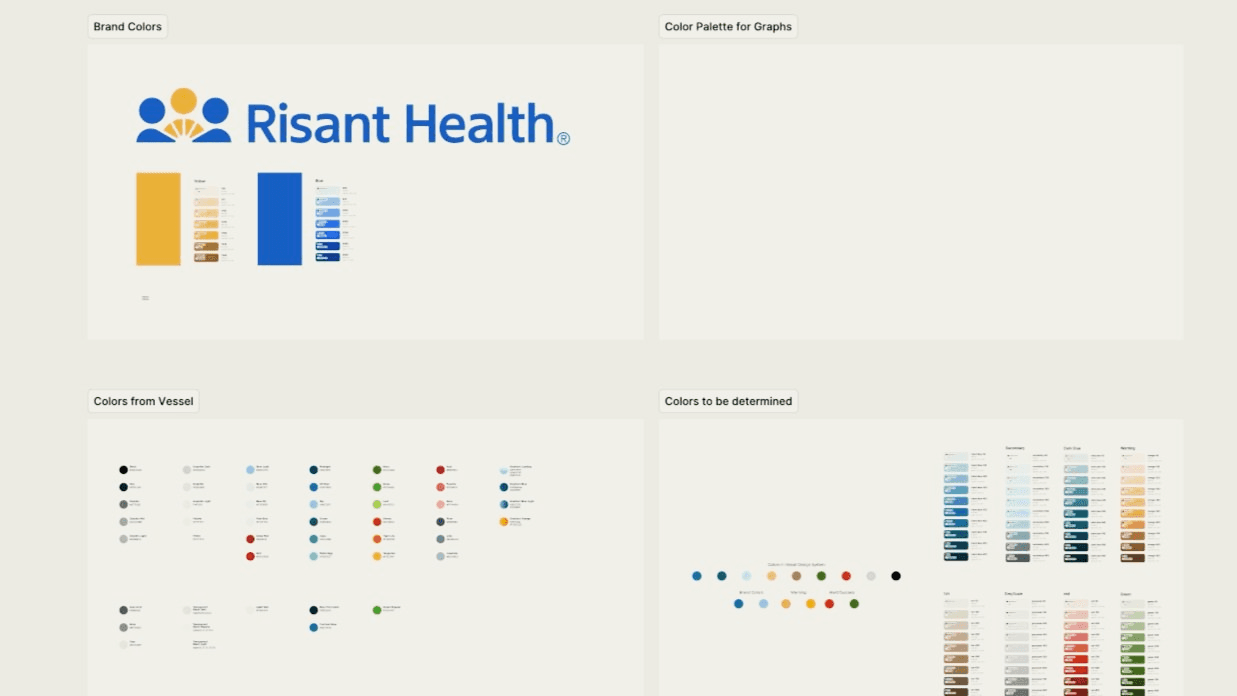
Muted blues, greens, and neutral grays, colors were selected to reduce cognitive load for healthcare users, aligning with the industry’s focus on clarity. High-contrast combinations were essential for ensuring legibility for users with visual impairments. The use of various accessibility tools helped us to continually verify that the color choices met the required contrast ratios to enhance user experience. We then Tokenized from the previous color system.
Typography:
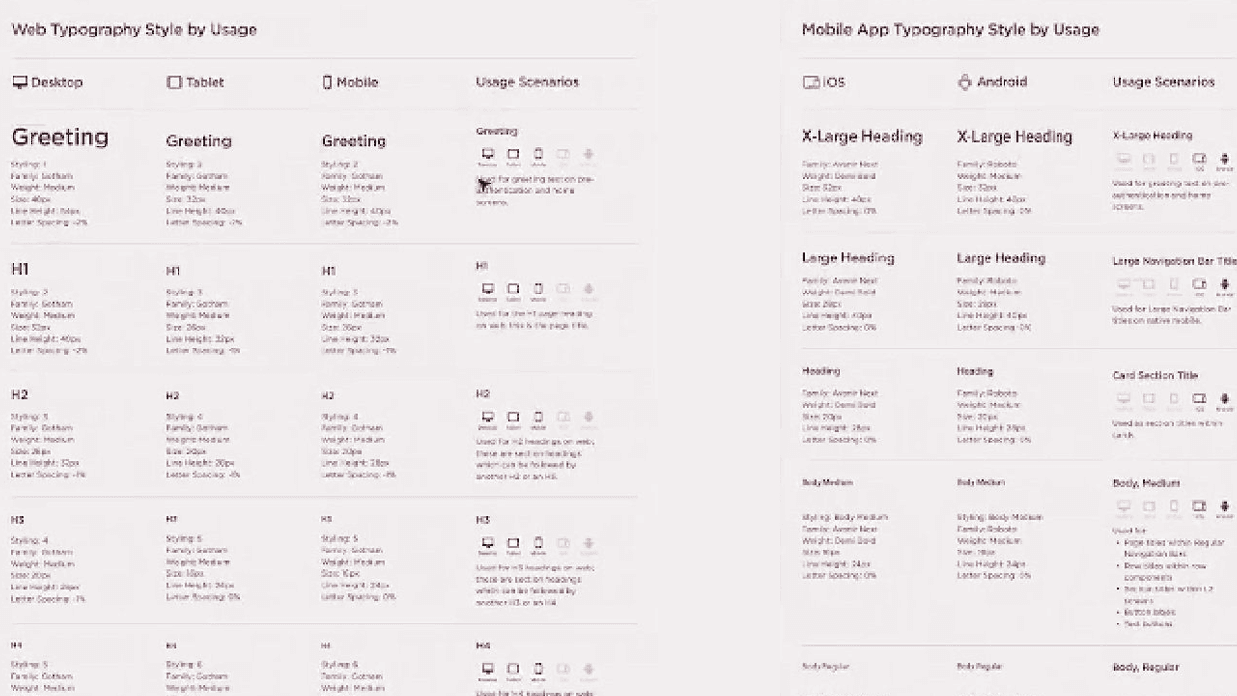
We selected Gotham as the primary typeface for its clarity and versatility. Its clean, geometric form provides excellent readability across screen sizes, making it suitable for both quick scanning of data and long-form medical text. Its thickness and spacing allow it to remain legible even in smaller sizes, ensuring accessibility for all users, including those with visual impairments.
Grid Systems
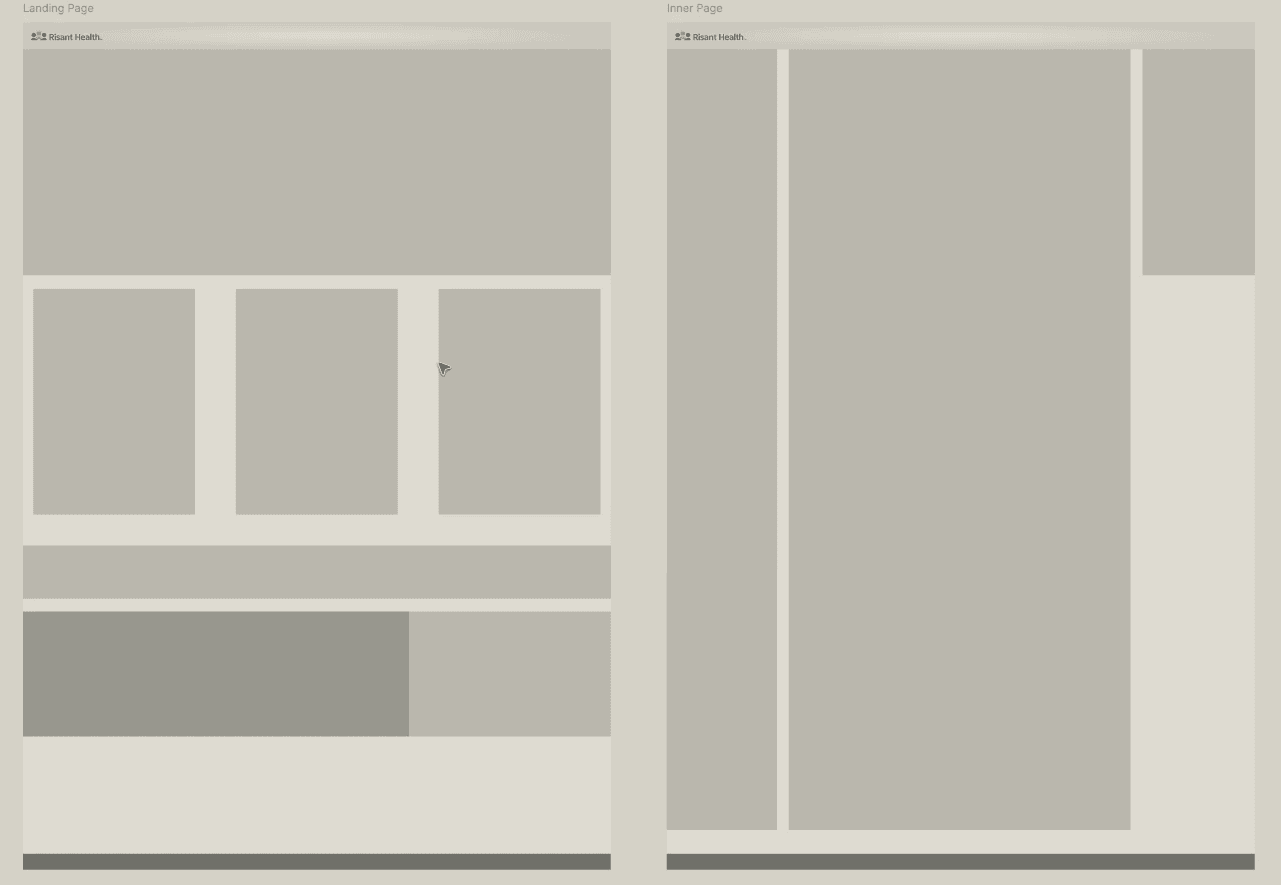
I worked closely with front-end devs to establish grid systems and breakpoints for the Risant Design System. The grid system ensures consistency across platforms while allowing flexibility for modular components that would later be created
The 12-column grid for desktop and tablet, and a 4-column grid for mobile, provide a scalable structure that ensures content is well-organized across devices.
Reusable Components
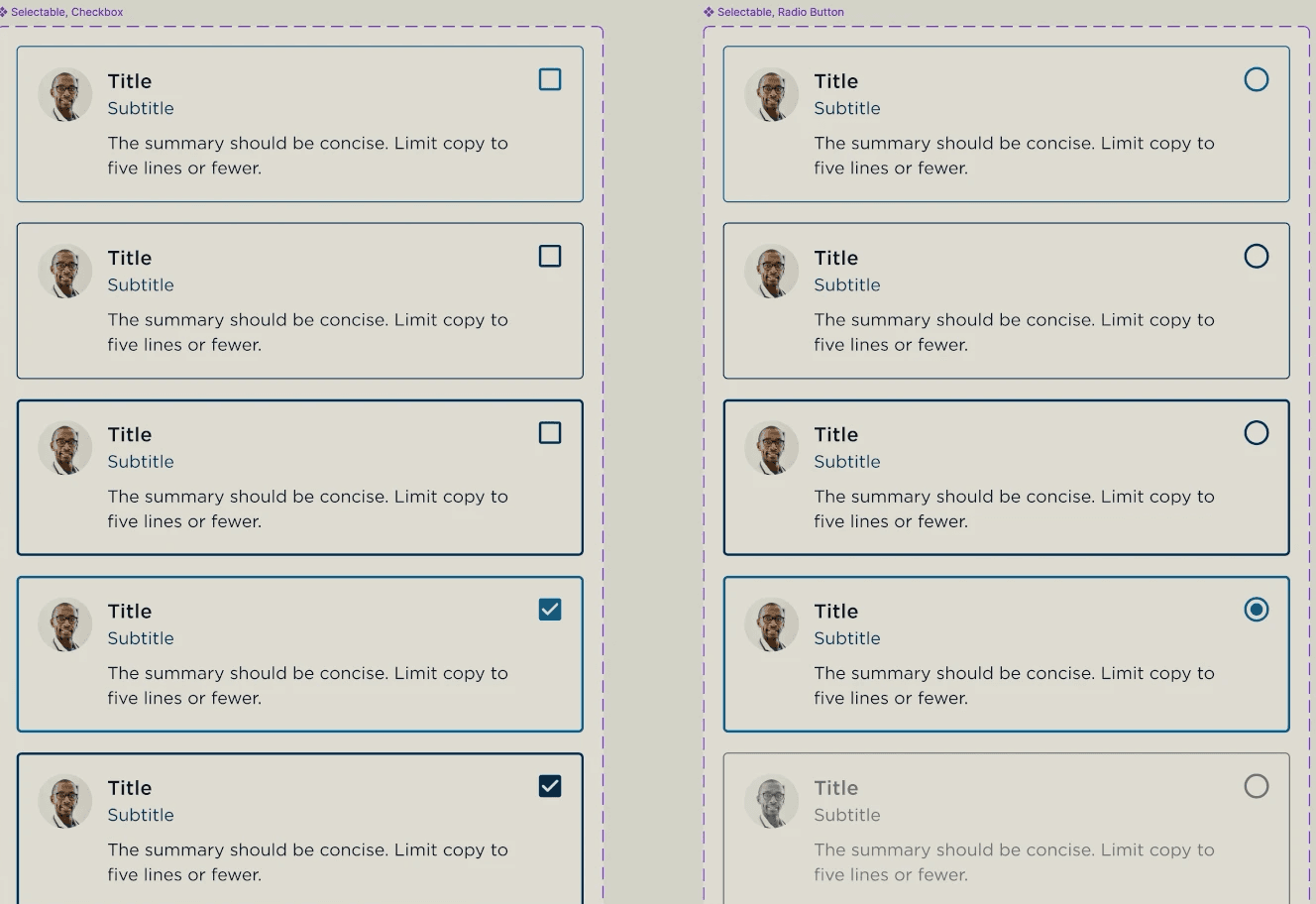
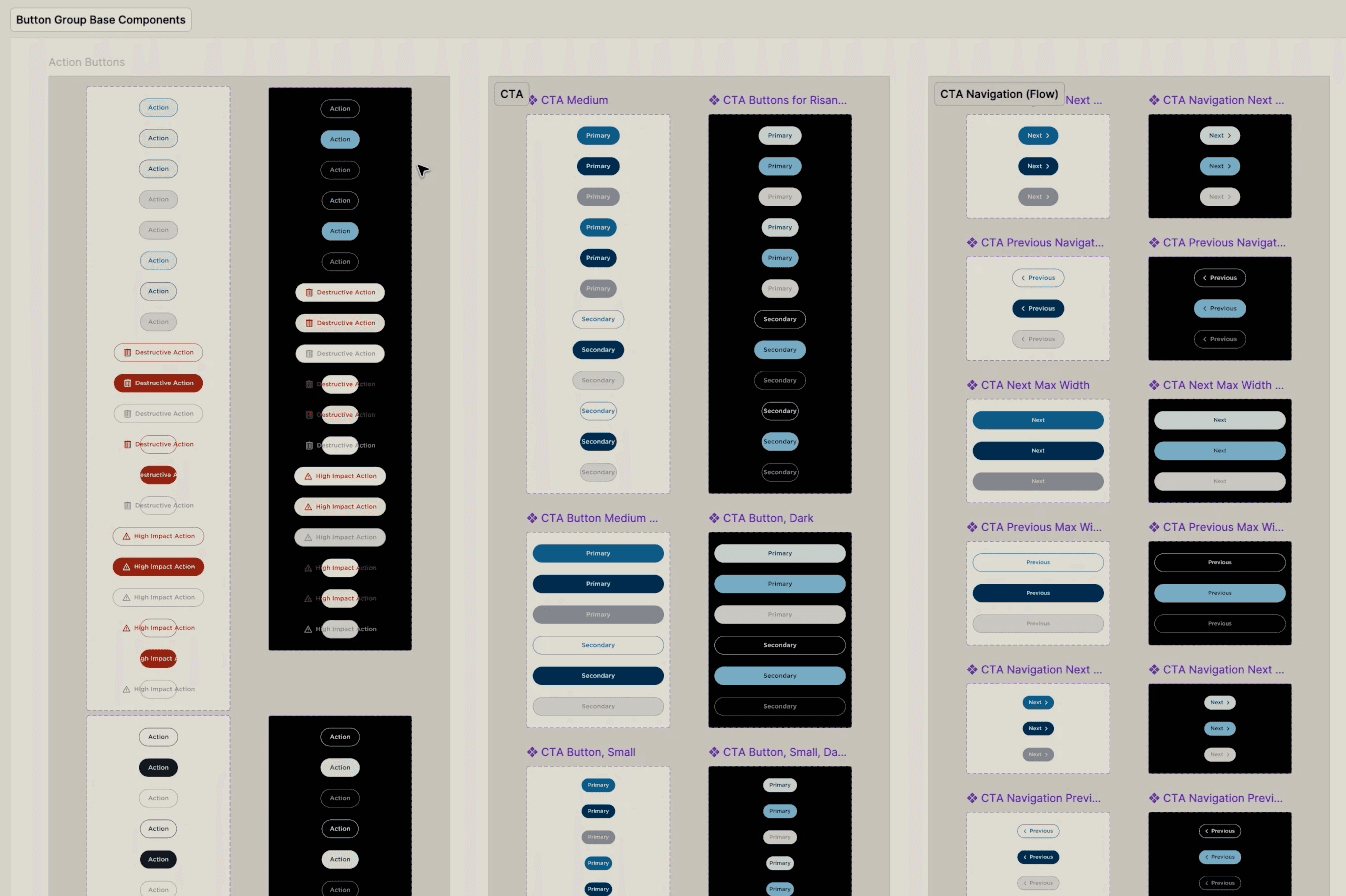
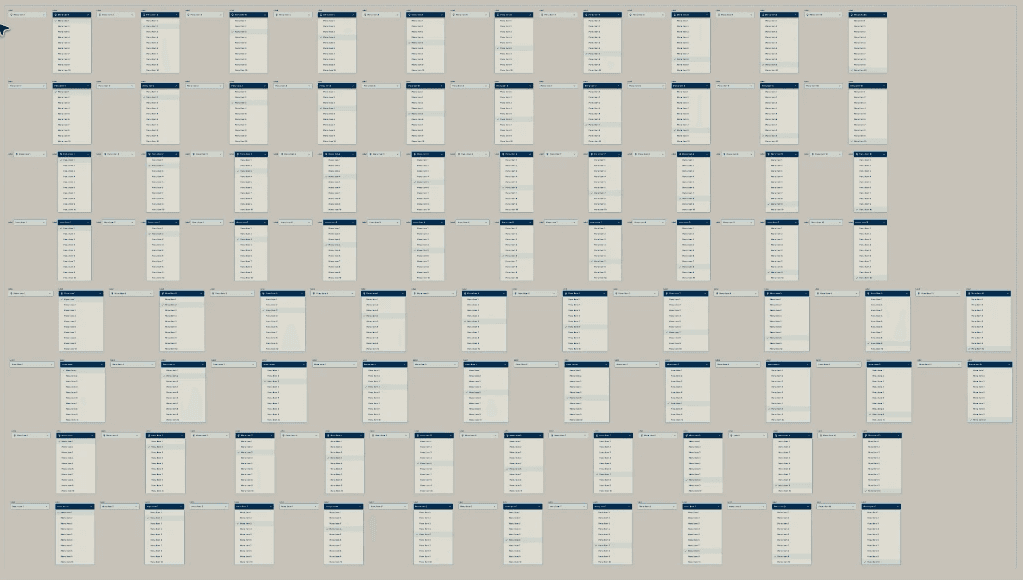
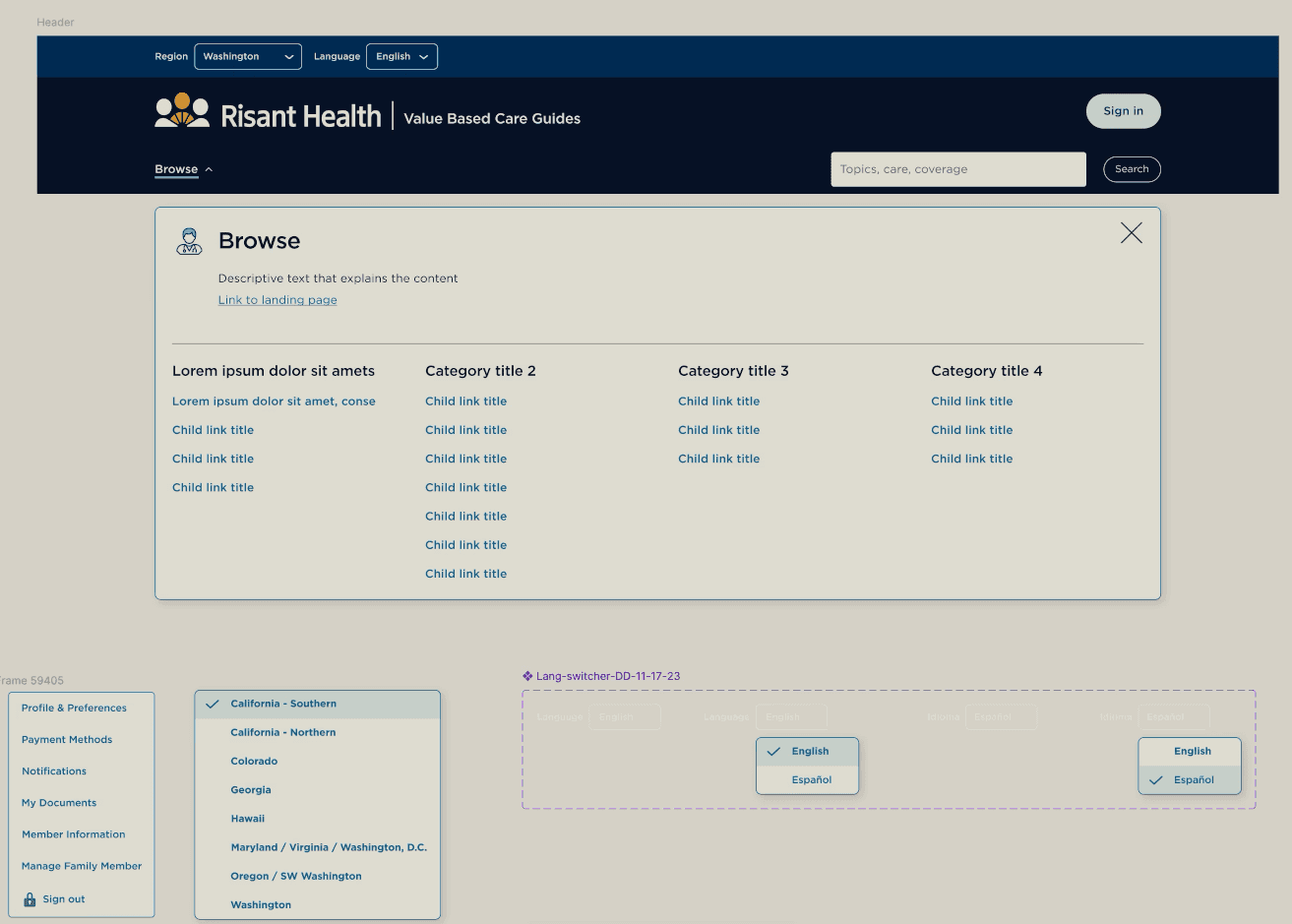
With the foundational elements in place, we developed reusable components such as buttons, form fields, and navigation elements. These components were designed to be modular and customizable, adhering to WCAG AA and AAA standards while remaining flexible enough for healthcare vendors to adapt to their needs.
Examples of Components:
Buttons: Designed with high-contrast color options and clear labels for accessibility, with light and dark mode options.
Form Fields: Optimized for usability, ensuring ease of use for patients filling out medical forms, with large hit areas and clear error messaging.
Navigation Elements: Streamlined to reduce cognitive load and ensure quick access to critical information for healthcare providers.
These components ensured that the system was both scalable and adaptable, allowing healthcare vendors to customize the platform while maintaining high accessibility standards.
Key Features
Reusable components, including buttons, form fields, and navigation menus, which could be customized by healthcare vendors.
Prototypes for multiple devices: Responsive prototypes for mobile, tablet, and desktop to ensure consistent user experience across all platforms
Color Palette: High-contrast color palette designed using accessibility tools to meet WCAG AA and AAA standards
Once the foundational components were established, we created wireframes and high-fidelity prototypes using Figma. These prototypes helped ensure that the design system functioned seamlessly across all devices and use cases.
Loading Animations
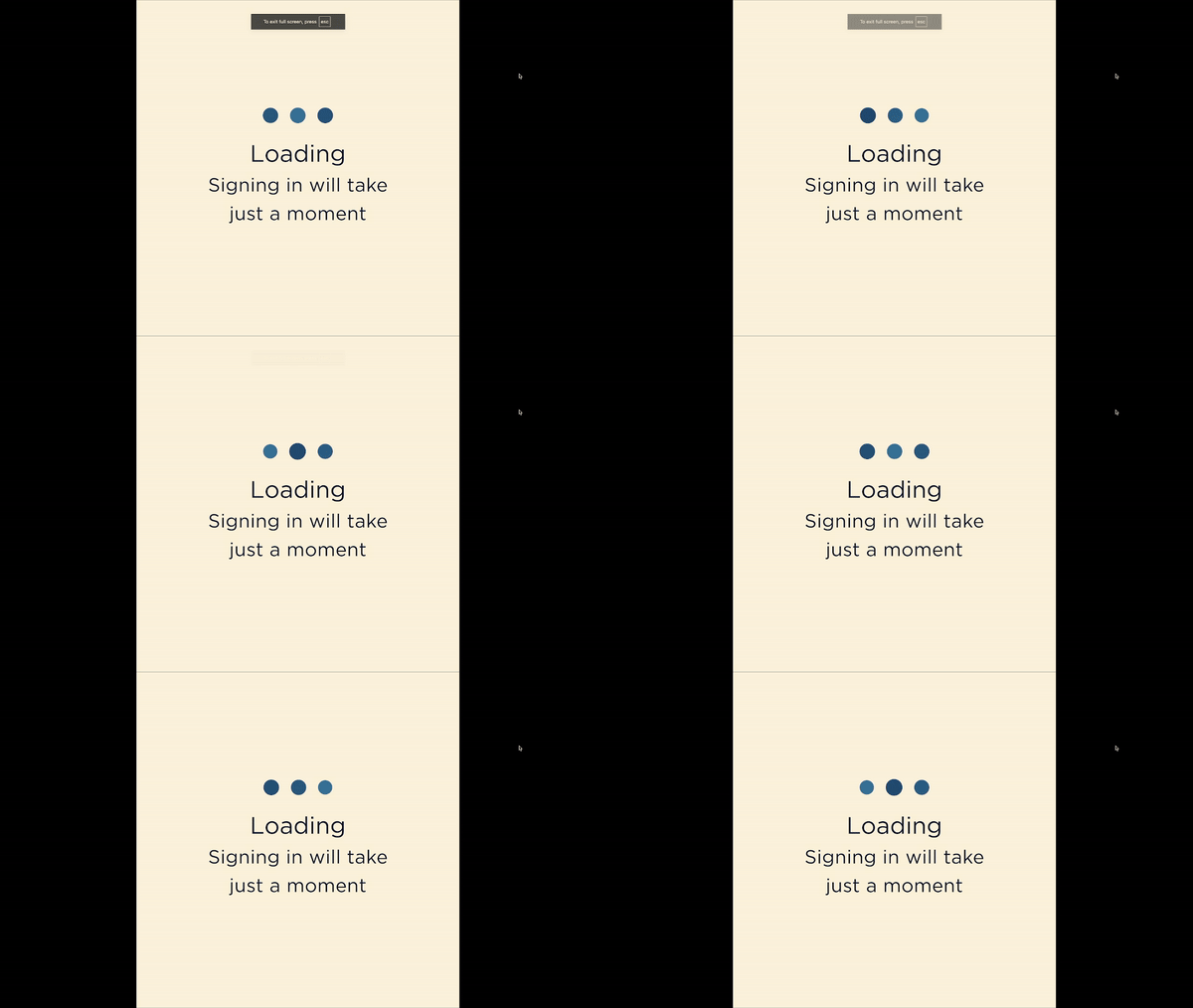
Designed to keep users engaged and informed during loading times. I created two types of loading indicators: a loading dot indicator and a spinner indicator, each tailored for different use cases within the system
Loading Dot Indicator: This animation features a smooth, pulsing motion with three dots, providing a friendly, non-distracting way to signal short loading times. It’s designed to maintain user attention without overwhelming the interface, especially on mobile where space is limited
Spinner Indicator: For longer wait times, I designed a spinner indicator that combines smooth, continuous motion with brand-consistent colors. This spinner not only aligns visually with the overall design system but also helps users understand that their task is actively progressing
Created with accessibility in mind, minimizing cognitive load by maintaining subtle motion that users of all abilities could easily interpret. These additions helped enhance the overall user experience by reducing frustration during load times and keeping the interface feeling responsive and polished

Collaboration with Front-End Teams for Hand- Off
The system required close collaboration with front-end developers to ensure scalability and ease of implementation
Detailed component documentation: Provided developers with high-fidelity prototypes and detailed component documentation to streamline the handoff process.
Governance documents: Developed governance documents to guide the long-term management and scalability of the system, ensuring it could evolve as vendors’ needs grew.
Continuous feedback loops: Developers provided real-time feedback during implementation, allowing for iterative adjustments to component functionality
Usability Testing and Improvements
During the development we identified significant accessibility challenges, especially for users with visual impairments. These issues were surfaced through our comprehensive testing approach, which incorporated both qualitative and quantitative methods to ensure full accessibility compliance and user efficiency.
Usability Testing Process: We adopted a robust testing framework using corporate-grade tools that allowed us to gather both qualitative feedback and quantitative data:
UserZoom: Employed remote moderated testing through UserZoom to capture how healthcare professionals interacted with the system across different devices. This tool allowed us to gather detailed feedback while monitoring user success rates and behavior
Axe DevTools: For quantitative testing, integrated Axe DevTools to perform automated accessibility scans, measuring the system’s compliance with WCAG standards and identifying specific areas for improvement
Key Insights & Improvements:
Accessibility Metrics: Initial testing revealed that 40% of visually impaired users encountered low-contrast issues, leading to 25% more errors and 20% longer task completion times than average users. Automated scans from Axe DevTools confirmed the system was only 70% compliant with WCAG guidelines
High-Contrast Design: Based on these findings, we reworked the color contrast ratios and added a high-contrast theme option, along with larger typography for enhanced readability. These changes improved accessibility compliance by 30%, as confirmed by Axe DevTools scans
Quantitative & Qualitative Outcomes:
Task Completion Times: After implementing the high-contrast design updates, visually impaired users saw a 20% reduction in task completion times, with significant improvements in workflows like modifying white-label components.
Error Rate: The error rate dropped by 15%, particularly for critical tasks such as patient data access and system customization.
WCAG Compliance: Accessibility compliance improved by 30% following the redesign, as validated by the Axe DevTools scans.
User Satisfaction: Post-test feedback via UserTesting (Enterprise) showed a 25% increase in satisfaction, particularly among users with disabilities who appreciated the improved contrast and readability
Final Outcome:
The Risant Design System was successfully launched and adopted by several healthcare vendors. Key results included:
30% improvement in accessibility compliance, validated through internal and vendor audits.
15% reduction in user drop-offs for users with disabilities, particularly on mobile devices